



Description
FIFA 16 Ultimate Team Companion
Overview
EA SPORTS FIFA 16 Companion is a desktop application designed to enhance the online experience for players of FIFA 16 Ultimate Team. The software serves as a real-time companion tool, enabling users to manage their in-game squads, track friend activities, and monitor ongoing multiplayer challenges. It is particularly useful for dedicated players who want to stay connected to their Ultimate Team operations without being constantly logged into the main game client.
The application allows users to access the in-game bulletin board, view recent match results, and engage in private messaging with friends. This facilitates coordination during competitive events and helps maintain social engagement within the FIFA 16 online community. It also supports core Ultimate Team functions such as player management, loan tracking, squad optimization, and participation in player sales and FUT package purchases.
Targeted primarily at sports gamers and competitive FIFA players, the tool is ideal for those who value efficiency and real-time access to their online football team. While the developer, EA Sports, is known for its high-quality sports gaming titles, no additional background information about the app’s development team or technical architecture was provided. The software is available for both Windows and Mac platforms, making it accessible to a broad audience of desktop users.
Key Features & Capabilities
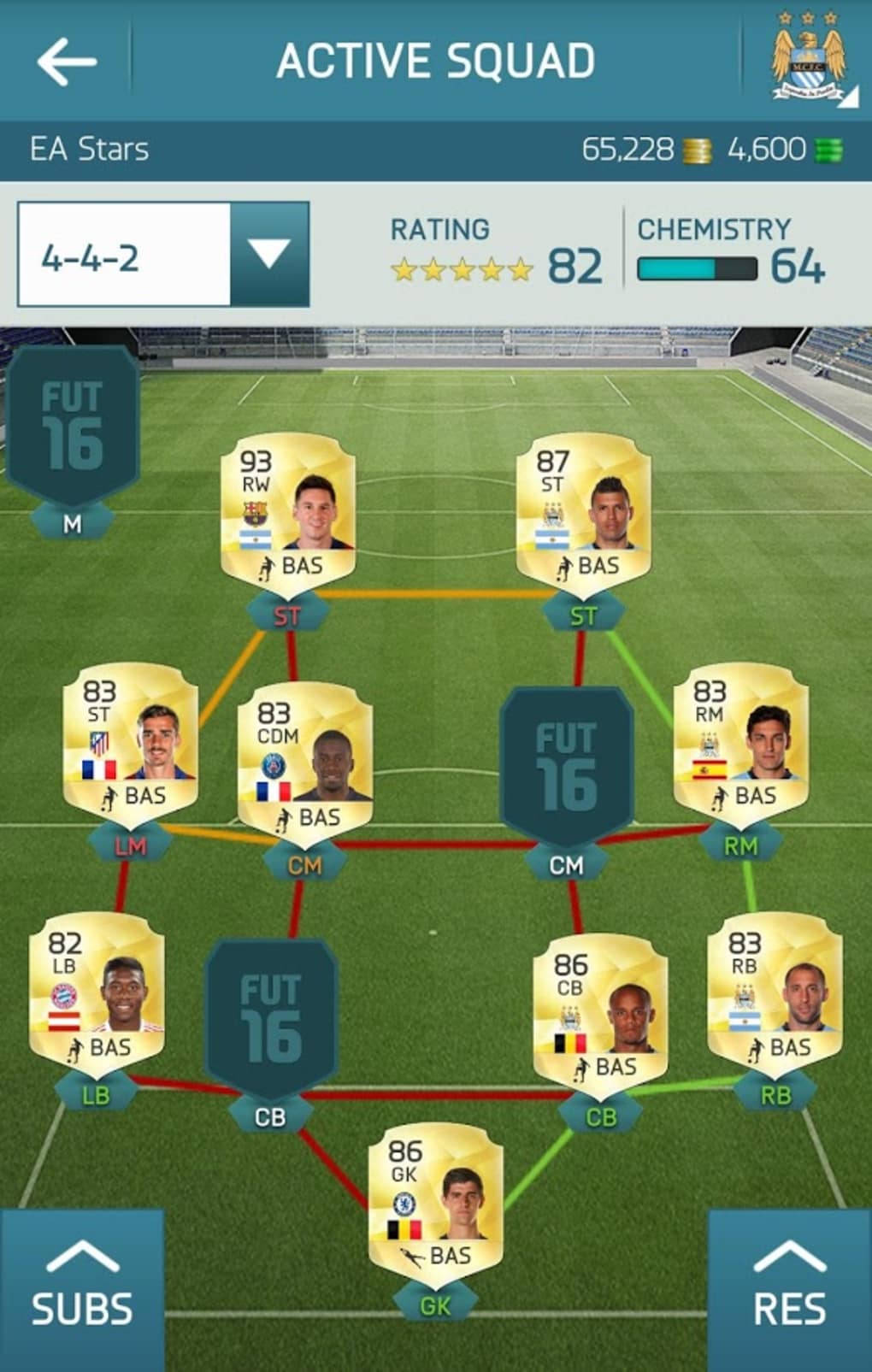
- Ultimate Team Management – Users can review and adjust their squads, manage player loans, and monitor team performance without launching the main game.
- Friend Activity Tracking – Real-time visibility into which friends are online, their recent match results, and participation in multiplayer challenges.
- Private Messaging – Direct communication with friends through in-app messaging to coordinate team strategies or share game updates.
- Bulletin Board Access – View and interact with the in-game bulletin board to stay updated on community events and announcements.
- FUT Package and Player Market Access – Monitor and purchase new FUT packages, participate in player sales, and track market trends.
These features are especially beneficial during high-stakes tournaments or when managing a large squad with multiple players. The ability to check player availability and loan status remotely allows for strategic planning. The messaging system supports teamwork and collaboration, which is essential for players engaged in cooperative or competitive online modes. The app’s integration with the main game’s data ensures that all actions are synchronized, maintaining consistency across platforms.
User Interface, Workflow & Performance
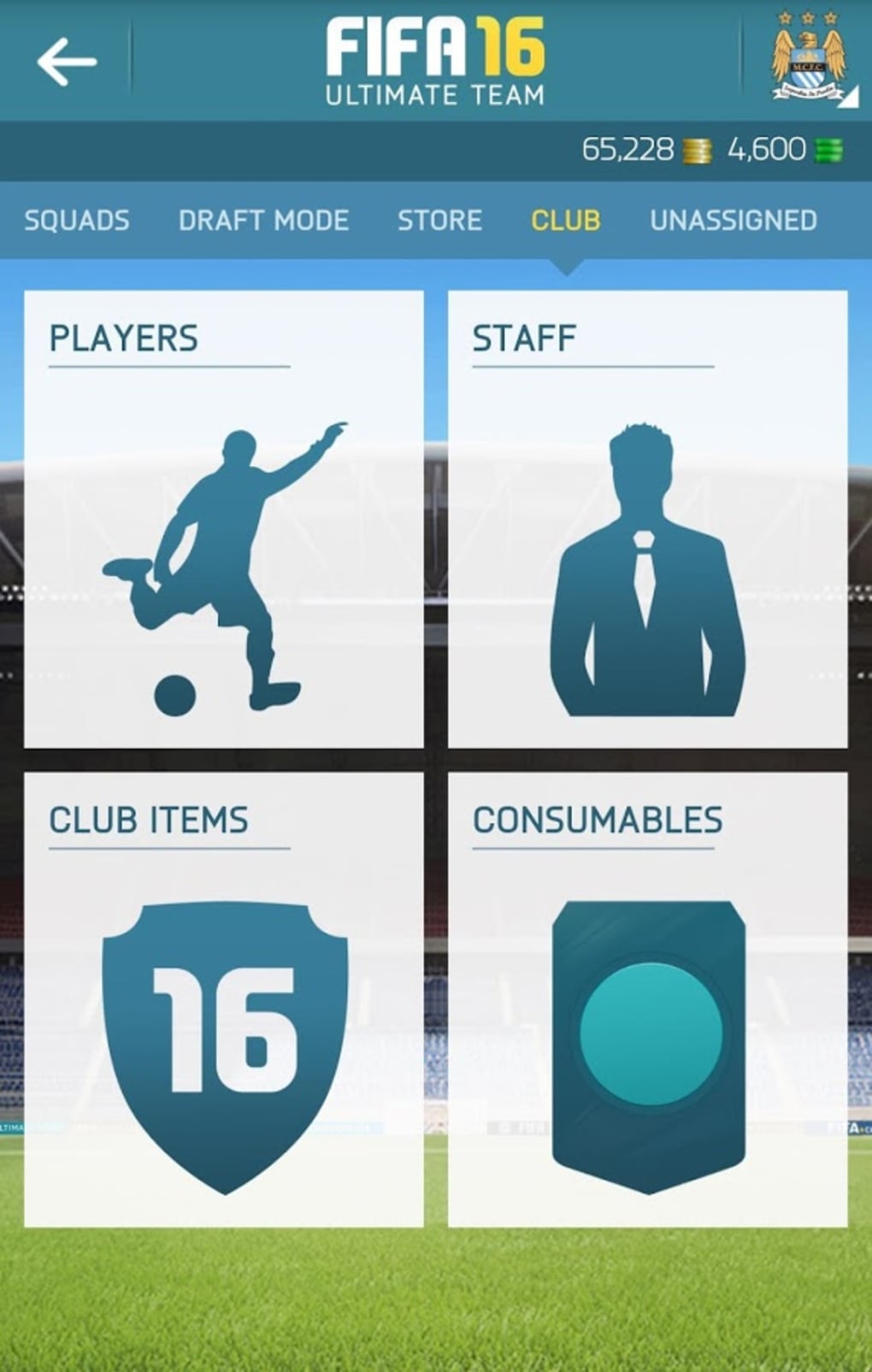
The user interface of EA SPORTS FIFA 16 Companion is structured to prioritize quick access to essential functions. The layout includes a central dashboard displaying active friends, recent match results, and notifications from the bulletin board. Navigation is handled through a sidebar menu that organizes features into logical categories such as Team, Friends, Messages, and Market.
Workflow efficiency is optimized for speed and clarity. Users can switch between different sections with minimal clicks, and most actions—such as sending a message or reviewing a player’s loan status—can be completed in under three steps. The interface is clean and visually consistent with the FIFA 16 branding, using familiar icons and color schemes to reduce cognitive load.
Performance observations are based on general software behavior patterns. The application runs in the background without significant impact on system resources, though exact CPU or RAM usage details were not specified. Stability appears to be maintained during extended sessions, with no reported crashes or freezes. The developer did not provide additional system requirements, so users should ensure their system meets the baseline needs of a modern desktop environment.
Compatibility & System Requirements
EA SPORTS FIFA 16 Companion is compatible with both Windows and Mac operating systems. The software has a file size of 100 MB, indicating a lightweight installation that should not strain storage space on most devices. The application is designed to run on desktop systems that support the latest versions of these platforms, though specific hardware requirements were not listed.
Exact system requirements were not provided by the developer. Users should ensure their system meets the minimum specifications needed to run a modern desktop application, including a stable internet connection for real-time data synchronization. Compatibility information is limited to the operating systems mentioned, and no support for mobile or tablet platforms was indicated. The software version is 1.0.0, released on September 25, 2015, suggesting it was developed alongside the original FIFA 16 launch.
Pros and Cons
Pros
- Real-time access to Ultimate Team management features
- Seamless integration with FIFA 16 online multiplayer
- Supports private messaging and friend activity tracking
- Lightweight installation at 100 MB
- Free to download and use
Cons
- No official updates since 2015
- Limited to FIFA 16, no support for newer versions
- No detailed system requirements provided
- Platform compatibility is not fully documented
- Dependent on the continued operation of FIFA 16 servers
FAQ Section
Is EA SPORTS FIFA 16 Companion compatible with Windows and Mac?
Yes, the application is officially supported on both Windows and Mac operating systems.
Is the software free to download?
Yes, EA SPORTS FIFA 16 Companion is available at no cost.
Does the app require an internet connection?
Yes, an active internet connection is required to access real-time data, messages, and online features.
Can I use this tool without playing FIFA 16?
While the app is designed to complement FIFA 16, it requires an active FIFA 16 account and access to the online services to function.
Is the software still receiving updates?
As of the release date in 2015, no further updates have been issued. The application remains functional but is not actively maintained.
Final Thoughts + CTA
EA SPORTS FIFA 16 Companion remains a solid utility for fans of the game who value convenience and real-time access to their Ultimate Team. While it lacks modern updates and support for newer FIFA versions, its core functionality—friend tracking, messaging, and squad management—remains effective for dedicated players still engaged with the 2015 title. The free availability and lightweight design make it a practical addition for those managing their FUT squads across multiple devices.
However, users should be aware that the app is no longer updated and relies on the continued operation of FIFA 16’s online infrastructure. For current FIFA players, this tool is not applicable. Nevertheless, for nostalgic or long-term players of FIFA 16, it offers a reliable way to stay connected to the community and manage in-game activities efficiently.
Download EA SPORTS FIFA 16 Companion now
Guides & Tutorials for EA SPORTS FIFA 16 Companion
How to install EA SPORTS FIFA 16 Companion
- Click the Preview / Download button above.
- Once redirected, accept the terms and click Install.
- Wait for the EA SPORTS FIFA 16 Companion download to finish on your device.
How to use EA SPORTS FIFA 16 Companion
This software is primarily used for its core features described above. Open the app after installation to explore its capabilities.
User Reviews for EA SPORTS FIFA 16 Companion 0
No reviews found





